
SI (Super Intelligence) and AI (Artificial Intelligence) both mean the same thing when you are doing simple everyday tasks. We mainly use the term SI as that is becoming more commonly used.
Small business · Protect your businessSpot scams against business
Learn the scams that target small businesses, check suspicious messages with SI, and set up simple habits that stop most of them.
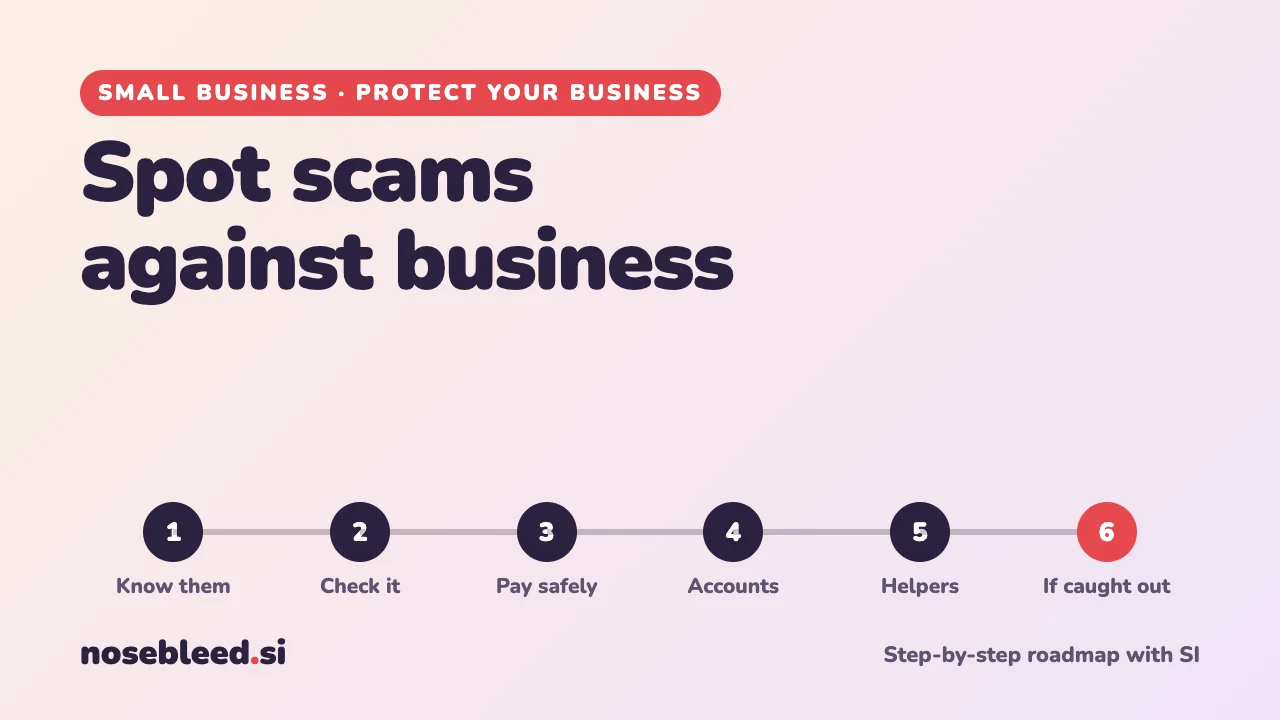
- 🗺️ 6 stages
- ⏱️ 20 minutes to set up, seconds to check
- 🇬🇧 UK reporting, with general pointers
Before you start
The golden rule: if a message asks you to pay, change bank details, log in, or act urgently, stop and check it another way, using a phone number or website you already know is genuine. Never use the contact details in the message itself.
SI is a good second opinion, but it can't be sure a message is genuine. If in doubt, don't pay, don't click, and check directly.
The roadmap
Know the common business scams
Scammers target small businesses because they're busy and often don't have a finance team double-checking. The most common:
- Changed bank details. An email that seems to come from a supplier or builder says "we've changed banks, please pay our new account". It's often the most costly scam of all.
- Fake invoices. Bills for things you never ordered, hoping they'll be paid without a check.
- "The boss" emails. A message that seems to be from the owner or a manager asking someone to make an urgent payment or buy gift cards.
- Fake renewals. Official-looking letters or emails about your domain name, trade mark or business listing "expiring", for a fee.
- Fake officials. Calls, texts or emails pretending to be HMRC, your bank or Companies House, demanding payment or details.
- Fake orders and overpayments. A customer "accidentally" overpays and asks for a refund of the difference, before their payment bounces.
- Login traps. Emails asking you to "verify your account" for email, payments or social media, leading to a fake sign-in page.
Stage 1 promptI run a small building firm with two staff. Which scams are businesses like mine most likely to meet? For each, give one warning sign and one simple habit that would stop it.
Check a suspicious message with SI
Copy the message into SI, or take a screenshot, and ask for a second opinion. Remove or cover any account numbers, passwords and personal details first.
Stage 2 promptI've received this message at my business. Point out every warning sign that it might be a scam, say what kind of scam it could be, and tell me how to check whether it's genuine without using any contact details in the message. Message: [paste it, with account numbers removed]
How to take a screenshot · How to hide personal details · For everyday scam checks, see Is this message a scam?
Make a "check before you pay" rule
One simple rule, followed every time, stops most payment scams: never change a supplier's bank details, or pay a new account, without phoning them on a number you already have. Pay a small test amount first for big new payments.
Stage 3 promptWrite a short "check before you pay" procedure for my small business, as a checklist I can pin up by the computer. Include: new suppliers, changed bank details, unexpected invoices, urgent payment requests, and requests that seem to come from me. Plain English, no more than ten points.
Protect your accounts
Your business email is the key to everything else: if a scammer gets into it, they can reset your other passwords and email your customers as you.
- Two-step sign-in on email, banking, payments and social media.
- A different strong password for every account. A password manager makes this easy.
- Updates on every phone, tablet and computer, switched on to happen automatically.
- Backups of important files, kept separately.
Stage 4 promptMake me a one-hour security check-up for my small business, in plain English. I use a laptop, two phones, email, online banking and a card reader. Put it in order of importance, with what to do for each.
The UK's National Cyber Security Centre (NCSC) has a free, plain-English guide for small businesses. For your passwords, see Make your passwords stronger.
Brief anyone who helps you
Scammers often target whoever picks up the phone or opens the post. A five-minute chat with staff, family or volunteers who help out is one of the best protections there is.
Stage 5 promptWrite a friendly five-minute briefing for my staff about business scams: the three most likely to target us, the warning signs, and exactly what to do if they're unsure, including that they'll never be in trouble for checking with me first.
If you've been caught out
Act fast, and don't be embarrassed: scams fool careful, experienced people every day.
- Phone your bank straight away, using the number on your card or statement. The sooner they know, the better the chance of stopping or recovering a payment.
- Change passwords on any account you think is affected, starting with email.
- Report it to the police's fraud reporting service. Search GOV.UK for "report fraud" to find the right service for where you are in the UK.
- Forward scam emails to report@phishing.gov.uk, and scam texts to 7726.
- Warn your customers if a scammer may have contacted them pretending to be you.
Stage 6 promptI think my business has been caught by a scam: [what happened, with no account numbers]. Give me a calm, step-by-step list of what to do in the next hour, the next day and the next week, in order.
Good follow-up questions
Tap a question to copy it.
See all our small-business guides
Spotted a mistake? Got a suggestion?
Tell us about this page. It helps us make it better for everyone.
Prefer email? Write to us at hello@nosebleed.si. We read every email, though we can't always reply.
Page ref SB-006 · Page last updated 19 November 2026