
SI (Super Intelligence) and AI (Artificial Intelligence) both mean the same thing when you are doing simple everyday tasks. We mainly use the term SI as that is becoming more commonly used.
Write up meeting notes
Type in or photograph your scribbled notes, and SI will turn them into a neat summary: what was decided, who's doing what, and when you next meet.
- ⏱ About 10 minutes
- 🟢 Beginner
- 🧺 You'll need: your notes from the meeting, typed or as a clear photo
- 💬 Works with: any SI chat assistant
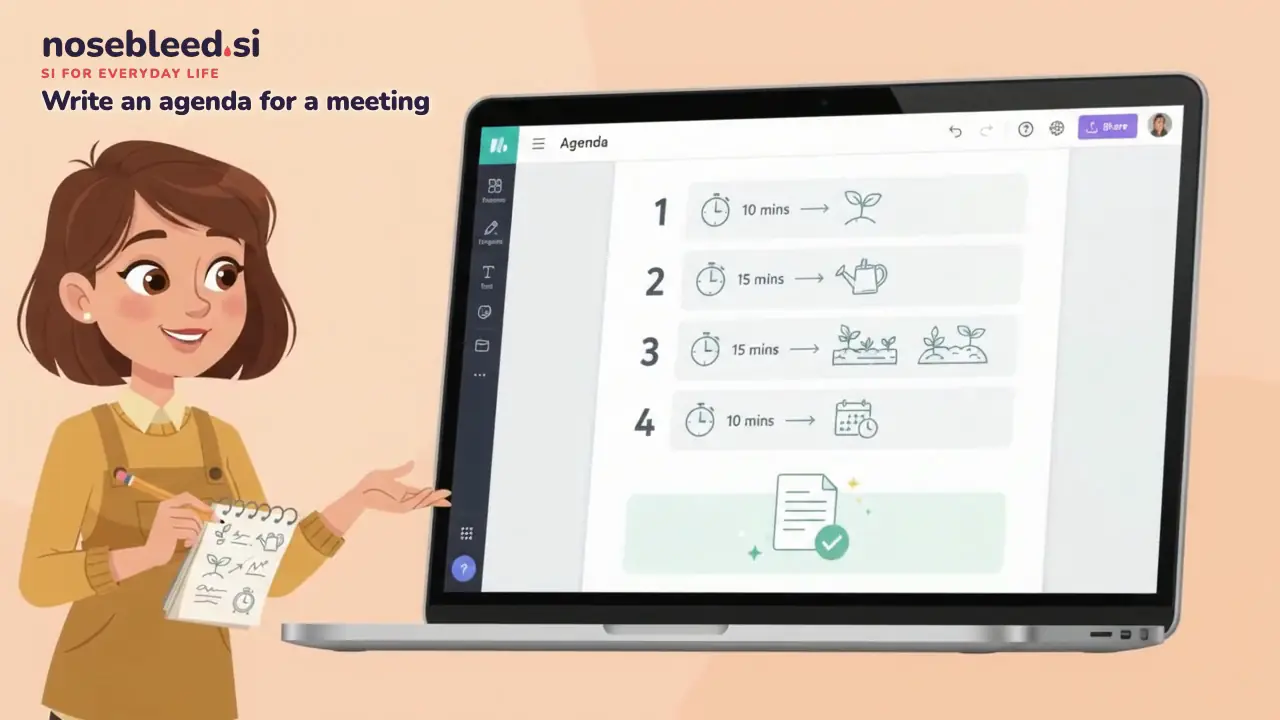
10-second preview of what this looks like.
What SI can do for you here
- Turn rough or handwritten notes into a tidy summary
- Pick out what was decided, and list who's doing what
- Put the date, time and place of the next meeting at the end
- Write a short, friendly email to send the notes round
Before you start
- SI wasn't at the meeting. It may tidy a "maybe" into a firm decision, or give a job to the wrong person. Check every decision and name against what really happened.
- Think before sharing private details. Leave out anything confidential, such as money troubles, health news or staff matters. For work meetings, check your employer's rules on using SI first.
Step by step
Gather your notes
Rough is fine: scribbles, arrows and crossings-out. Add anything you remember that isn't written down.
Start a new chat and paste in the prompt below
Then type your notes at the end, or share a clear photo of them.
How to copy and pasteCheck the summary
Is every decision right? Is each job next to the right person? Is anything missing?
Ask for changes
Shorter, more formal, or in the layout your group usually uses.
Send it round
Ask the chair, or someone else who was there, to read it first if you can. Then email or print it.
Copy this prompt
Please turn my rough notes from our residents' association committee meeting into a neat, short summary. Use three headings: "What we decided", "Who's doing what" (with each person's name next to their job) and "Next meeting". Use only what's in my notes, and don't add anything. If something is unclear, such as whether it was decided or just discussed, ask me rather than guessing. Here are my notes: [type your notes here, or share a photo]
Change the highlighted words: the name of your group, then add your notes.
Good follow-up requests
Tap a request to copy it.
What a good answer looks like
What we decided: To hold a litter pick in the spring. To spend up to £50 on new bin bags and gloves.
Who's doing what: Jean: book the community room · Peter: buy bags and gloves · Asha: put up a notice
Next meeting: Tuesday, 7pm, in the community room. (Your notes don't give the date. Could you check it?)
Why it's good: it's short and clear, each job has a name next to it, and it asks about the missing date instead of making one up.
If yours looks like this, try…
Where SI can get it wrong
⚠️Things to watch for
- It may misread handwriting, especially names, numbers and amounts of money. Check them against your notes.
- It may mix up who said or agreed what. Make sure each job is next to the right person.
- It may fill gaps with guesses, such as a date or a decision that sounds likely. Anything you didn't write down should be checked.
📝When to ask a real person
- The chair, or another member, to check the notes before they go out
- Your group's rules or constitution, if the minutes are formal records, such as for an AGM
- Your manager, before putting work information into an SI assistant
Common questions
Can SI listen to the meeting and write the notes?
Some SI tools can make notes from a recording. Always ask everyone at the meeting first, and check the notes carefully afterwards, as it can mishear names and mix up who said what.
What's the difference between notes and minutes?
Notes are an informal summary. Minutes are the official record, usually with who attended, the decisions, and sometimes votes. SI can do either. Just say which you need.
Can it keep the same layout every time?
Yes. Paste in last time's notes with your new ones, and ask SI to "write these up in the same layout".
Write a club newsletterTry next

Spotted a mistake? Got a suggestion?
Tell us about this page. It helps us make it better for everyone.
Prefer email? Write to us at hello@nosebleed.si. We read every email, though we can't always reply.
Page ref ID-045 · Page last updated 12 November 2026 · Video 1 last updated 10 November 2026