
SI (Super Intelligence) and AI (Artificial Intelligence) both mean the same thing when you are doing simple everyday tasks. We mainly use the term SI as that is becoming more commonly used.
Small business · MarketingMake a short promotional video
Make a short, friendly video on your phone that shows customers who you are and what you do, with SI helping you plan, script and polish it.
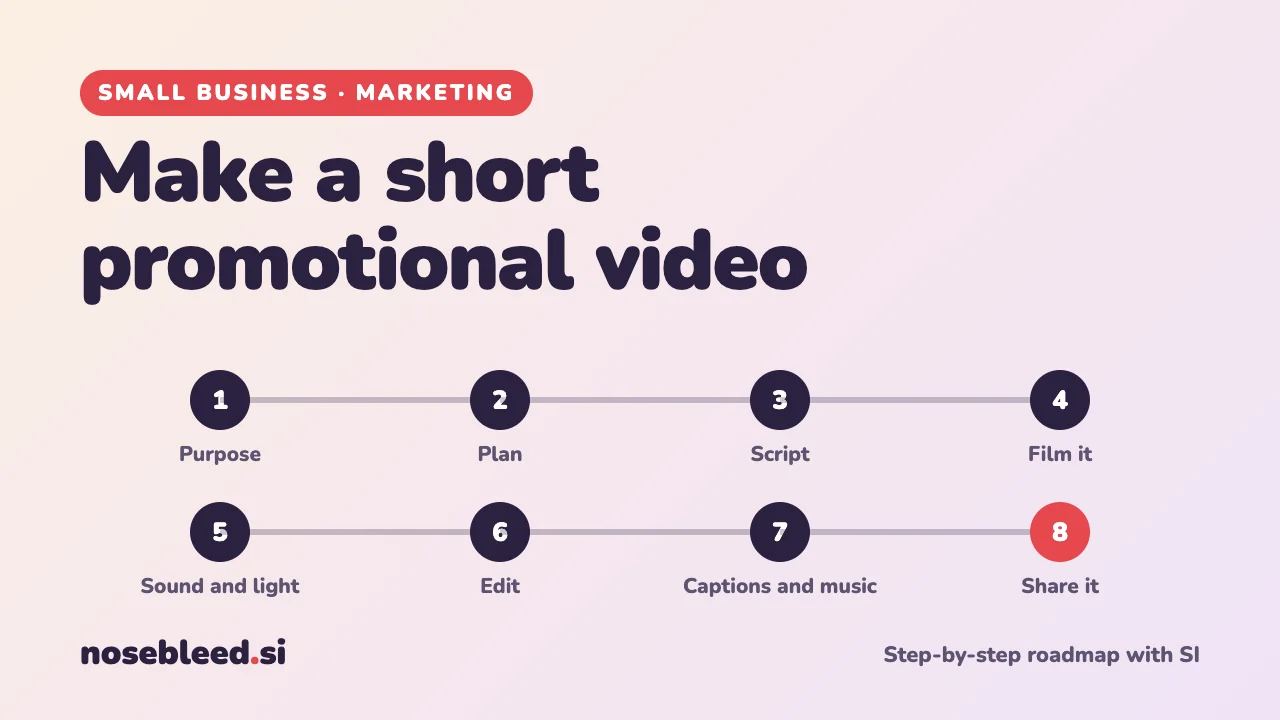
- 🗺️ 8 stages
- ⏱️ An afternoon for a first video
- 📱 Just a phone to start
Before you start
Where SI is a great help
- Ideas for short videos that suit your business
- A simple shot list and script
- Captions, titles and descriptions
- Short clips and backgrounds from SI video tools
Where you stay in charge
- Being in it: customers like seeing the real you.
- Permission from anyone you film.
- Only using music you're allowed to use.
- Making sure it shows your real products and work.
You don't need expensive kit or a film crew. A phone, good light and a clear message are enough for most small businesses. Short and genuine usually beats long and polished.
Tell SI about your business first
I run a small pottery studio that runs classes. I'd like to make a short video, about 30 to 60 seconds, for my website and social media, to show people what a class is like. I'll be filming on my phone. Please help me step by step, and ask me anything you need to know first.
The roadmap
Decide what the video is for
One video, one job: introduce yourself, show a product, explain a service, share a customer's experience, or announce something new. Decide where it will go, because that affects the shape: upright for phones and social media, landscape for websites and YouTube.
Stage 1 promptSuggest six short video ideas for my business, each with one clear purpose, and say where each would work best and whether to film it upright or landscape. Mark the easiest one to start with.
Plan your shots
A simple list of shots stops you forgetting anything: a wide shot to show the place, close-ups of hands and products, you talking to camera, and a final shot with your name and how to get in touch.
Stage 2 promptMake me a simple shot list for a 45-second video about [your idea]: each shot, roughly how long, what's in it, and any tips for filming it on a phone. Keep it achievable for one person.
Write a short script
If you're speaking, write what you'll say in plain, everyday words, then practise it aloud until it sounds natural. Grab attention in the first few seconds, and end by telling people what to do next.
Stage 3 promptWrite a script for me to say in about 40 seconds, in a friendly, natural voice: a first line that grabs attention, what we do and who it's for, one thing that makes us different, and how to book. Use only facts I've given you. Mark where each shot from my list fits.
Film it on your phone
- Clean the lens first. It makes a real difference.
- Keep the phone steady: rest it on something, or use a cheap stand.
- Film each shot a few times, a few seconds longer than you need.
- Get permission from anyone who appears, especially customers and children.
Get the sound and light right
Viewers forgive slightly wobbly pictures, but not bad sound. Film somewhere quiet, close to the phone, or use a small plug-in microphone. Face a window for soft, natural light, and avoid having a bright window behind you.
Stage 5 promptI'm filming in my studio, which has one big window and an echo. Give me practical tips to get clear sound and good light with just my phone and things I already have.
Edit it together
Many phones and free apps can trim clips, put them in order and add text. Cut anything slow, keep it short, and finish with your name, website or phone number on screen.
Stage 6 promptI'm editing my video on my phone. Explain step by step how to trim clips, put them in order, add a title at the start and my details at the end. If you're not sure the steps are current for my phone or app, say so.
Add captions and music
Many people watch videos with the sound off, so captions help everyone, including people with hearing loss. Only use music you have permission to use for business, such as music that comes with your editing app or a properly licensed music library.
Stage 7 promptTurn my script into short, easy-to-read captions, split into lines of no more than six words. Then explain in plain English what I need to check before using music in a business video.
Share it
Put it on your website, social media and in your newsletter, with a short description and a clear next step. Pin it to the top of your profile, and share it again in a few months.
Stage 8 promptWrite a short title and description for my video for my website, social media and newsletter, each with a clear "book now" or "get in touch" line.
See Plan a month of social media posts and Write an email newsletter.
Using SI video tools
SI tools can now make short video clips from a description, which is handy for backgrounds, intros or illustrating an idea. Use them honestly:
- Don't use SI-made footage to show products, results, premises or people that aren't real. That could mislead customers.
- Some social media sites ask you to label realistic SI-made video. Check their rules.
- Your real face, work and customers (with permission) build more trust than anything generated.
Good follow-up questions
Tap a question to copy it.
Watch out for
- Music you're not allowed to use. Popular songs usually need a licence for business use, and your video may be removed.
- Filming people without permission. Always ask, and take extra care with children.
- Too long. Most promotional videos work best under a minute. Get to the point quickly.
See all our small-business guides
Spotted a mistake? Got a suggestion?
Tell us about this page. It helps us make it better for everyone.
Prefer email? Write to us at hello@nosebleed.si. We read every email, though we can't always reply.
Page ref SB-046 · Page last updated 22 November 2026