
SI (Super Intelligence) and AI (Artificial Intelligence) both mean the same thing when you are doing simple everyday tasks. We mainly use the term SI as that is becoming more commonly used.
Small business · Brand and designTake better product photos
Take clear, attractive photos of your products or work with just your phone, so customers can see exactly what they're getting.
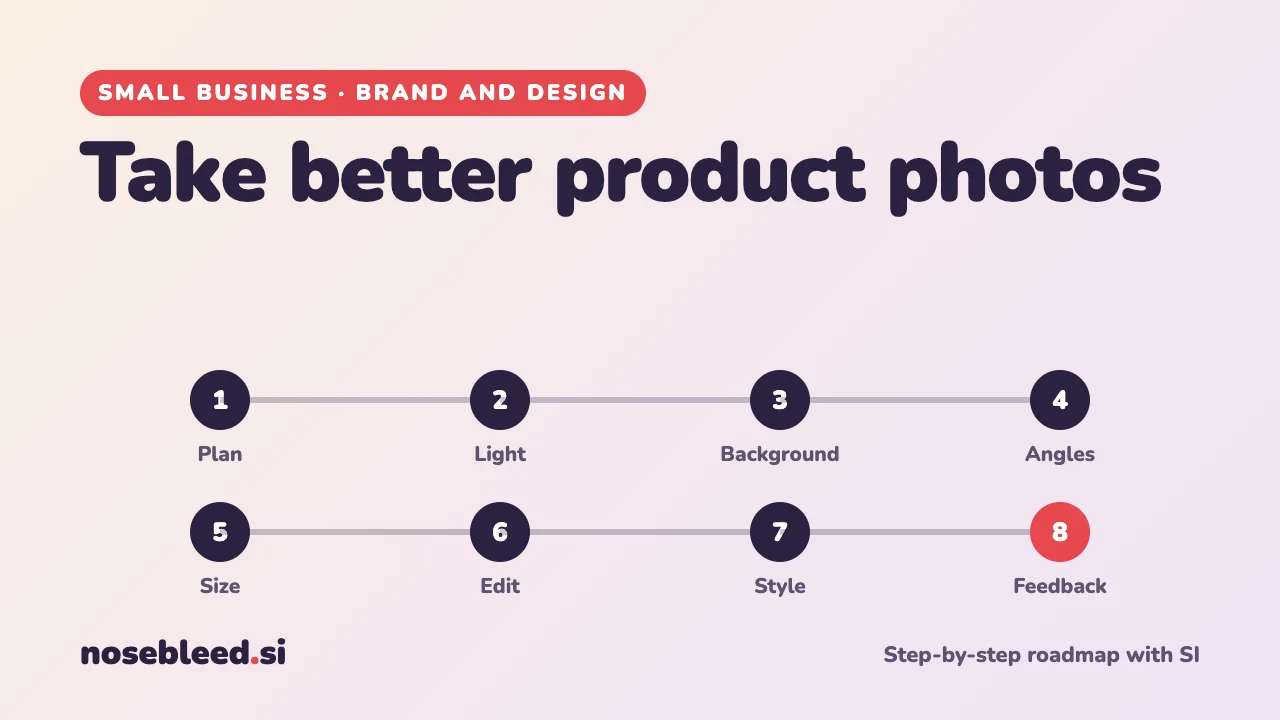
- 🗺️ 8 stages
- ⏱️ An afternoon to set up
- 📱 Just a phone and a window
Before you start
Where SI is a great help
- A shot list for each product
- Tips for your phone's camera settings
- Honest feedback on your photos
- Simple editing help, step by step
Where you stay in charge
- Photos that show what customers will really get.
- Colours and sizes that match the real thing.
- Only using photos you're allowed to use.
- The final choice of pictures.
Good photos often matter more than the words, especially online. You don't need expensive equipment: a phone, good light and a plain background go a long way.
The roadmap
Plan your shots
Decide what each product needs: a clear main photo, other angles, close-ups of details, the product in use, and something to show its size.
Stage 1 promptI sell handmade leather wallets and bags. Make me a shot list for each product: the main photo, angles, close-ups and "in use" shots that would help a customer decide to buy. Six to eight photos per product, in order of importance.
Find good light
Soft daylight from a window is the best free light there is. Turn off ceiling lights, avoid harsh direct sun, and use a sheet of white card to bounce light into the shadows.
Stage 2 promptExplain how to set up a simple home "photo corner" near a window for photographing small products with a phone: where to put things, how to soften harsh light, and how to fill in shadows using things I already have at home.
Choose a simple background
A plain background keeps the attention on your product. White or light grey works for most online shops. A simple wooden table or fabric can add warmth, as long as it doesn't distract.
Get the angles and details
Hold the phone steady, or prop it up. Tap the screen to focus on the product. Take lots of photos from different angles, and get in close for textures, stitching or finishes.
Stage 4 promptI use an iPhone. Give me simple, step-by-step tips for taking sharp product photos with it: focusing, exposure, avoiding blur, and which settings to leave alone. If you're not sure the steps are current for my phone, say so.
Show the size
"It was smaller than I expected" is a common complaint. Show the product in a hand, next to an everyday object, or being used, and give the measurements in the description too.
Edit honestly
Simple edits help: straightening, cropping, and adjusting brightness. Many phones and SI tools can also remove or tidy a background. But the product itself must look as it really is: same colour, same size, no hidden flaws.
Stage 6 promptI've attached a product photo. Suggest simple edits to make it clearer and more appealing, such as cropping, brightness or background, without changing how the product really looks. Explain how to do each one on my phone.
If you use SI to create pictures of your products, such as a scene in a room, make sure they don't mislead customers about what they'll receive. How to attach a photo
Keep a consistent style
Using the same background, light and angles for every product makes your shop look professional and makes products easy to compare.
Stage 7 promptWrite me a short "photo style guide" for my products: background, light, angles, how the product is placed, and the order of photos. Keep it to one page so I can follow it every time.
Get feedback, and improve
Ask SI, and a few customers, what they think. Notice which products sell best, and whether their photos are better.
Stage 8 promptI've attached three photos of the same product. Which would work best as the main photo in an online shop, and why? What would make each one better?
Good follow-up questions
Tap a question to copy it.
Watch out for
- Colours that don't match. Check your photos against the real product in daylight.
- Edits that mislead. Removing a flaw from the photo doesn't remove it from the product.
- Other people's photos. Never use pictures from other websites without permission.
See all our small-business guides
Spotted a mistake? Got a suggestion?
Tell us about this page. It helps us make it better for everyone.
Prefer email? Write to us at hello@nosebleed.si. We read every email, though we can't always reply.
Page ref SB-034 · Page last updated 21 November 2026